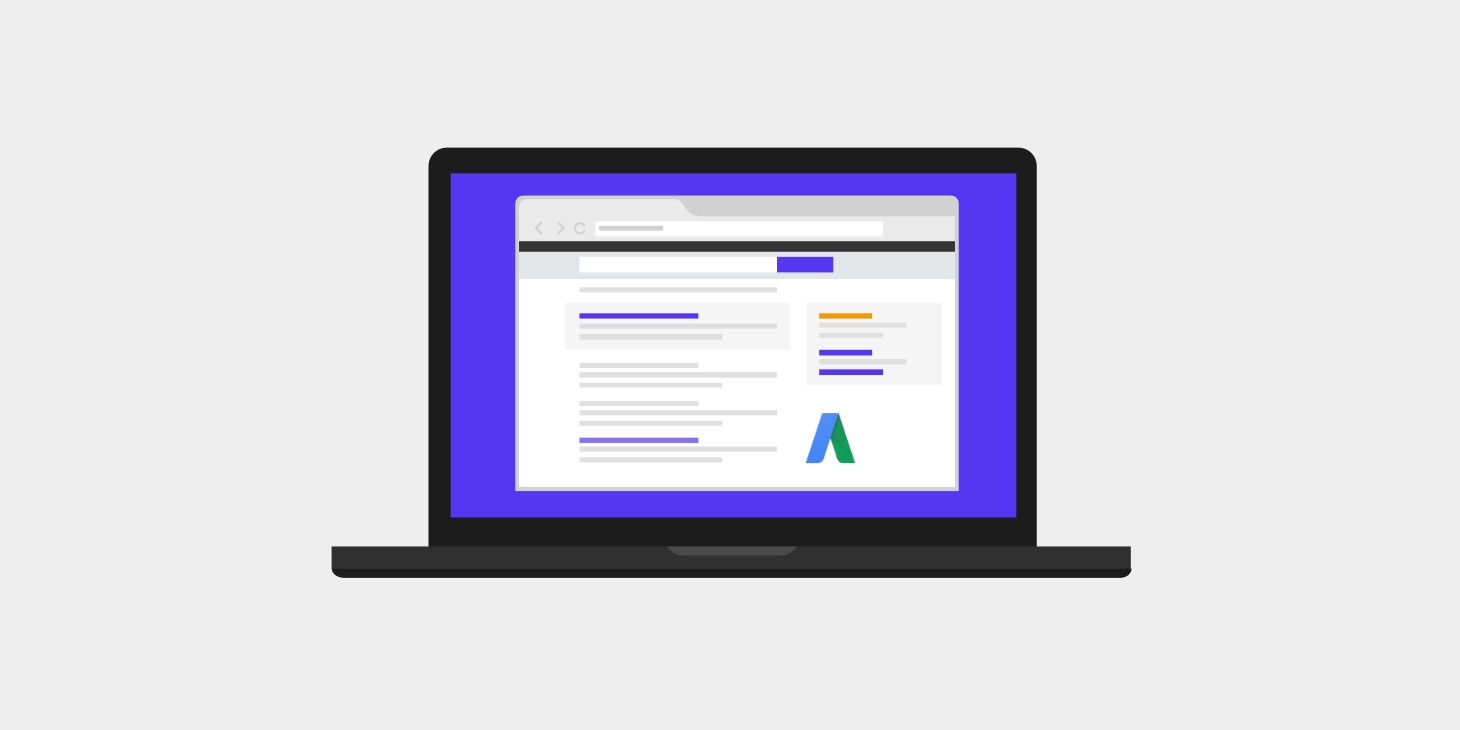
When issues arise with your Google Ads campaigns, contacting support can save you time and resolve problems quickly. Whether it’s billing issues, ad errors, or technical questions, Google offers several support options to suit your needs.
Contact channels in Google Ads
1. Help Center
The Google Ads Help Center is a great place to start. There, you’ll find detailed guides and articles that can answer your questions without the need for personalized assistance. The Help Center’s search function is quite comprehensive, so with a quick search, you can find the information you need.
2. Chat or phone support
If you need a faster or more personalized response, Google Ads offers live chat and phone support. Depending on your location, the phone number may vary, so be sure to look up the specific contact information for your region. Live chat is also available directly from your Google Ads account, which is ideal for resolving issues in real time.
3. Contact Form
Another option is to use the contact form available on the official website. Here, you can submit more detailed or complex inquiries that you haven’t been able to resolve using the other options. You’ll receive a response via email with solutions or steps to follow to resolve your issue.
Tips Before Contacting Support
Before contacting us, it’s helpful to have some key information ready, as this can help speed up the resolution of your issue:
- Account ID: Always have your Google Ads account ID number handy.
- Clear description of the problem: Explain in detail what you need to resolve, including any steps you’ve already taken to try to fix the issue.
- Evidence: Screenshots or examples of errors can help the support team provide you with a solution more quickly.
Contacting Google Ads support will allow you to resolve technical issues, ask billing questions, or even get expert advice on how to improve your campaigns. Be sure to take advantage of the various contact options to get the support you need and improve the performance of your advertising strategy.